
Grandpa’s Old Filing Cabinet
When I was young, my grandfather had a large, old filing cabinet in his study. Inside it contained everything from family history to fascinating stories from around the world, as if it held all the knowledge of the universe. Every time I opened the worn drawers, new stories unfolded, and that cabinet was a magical passage connecting me to the world.
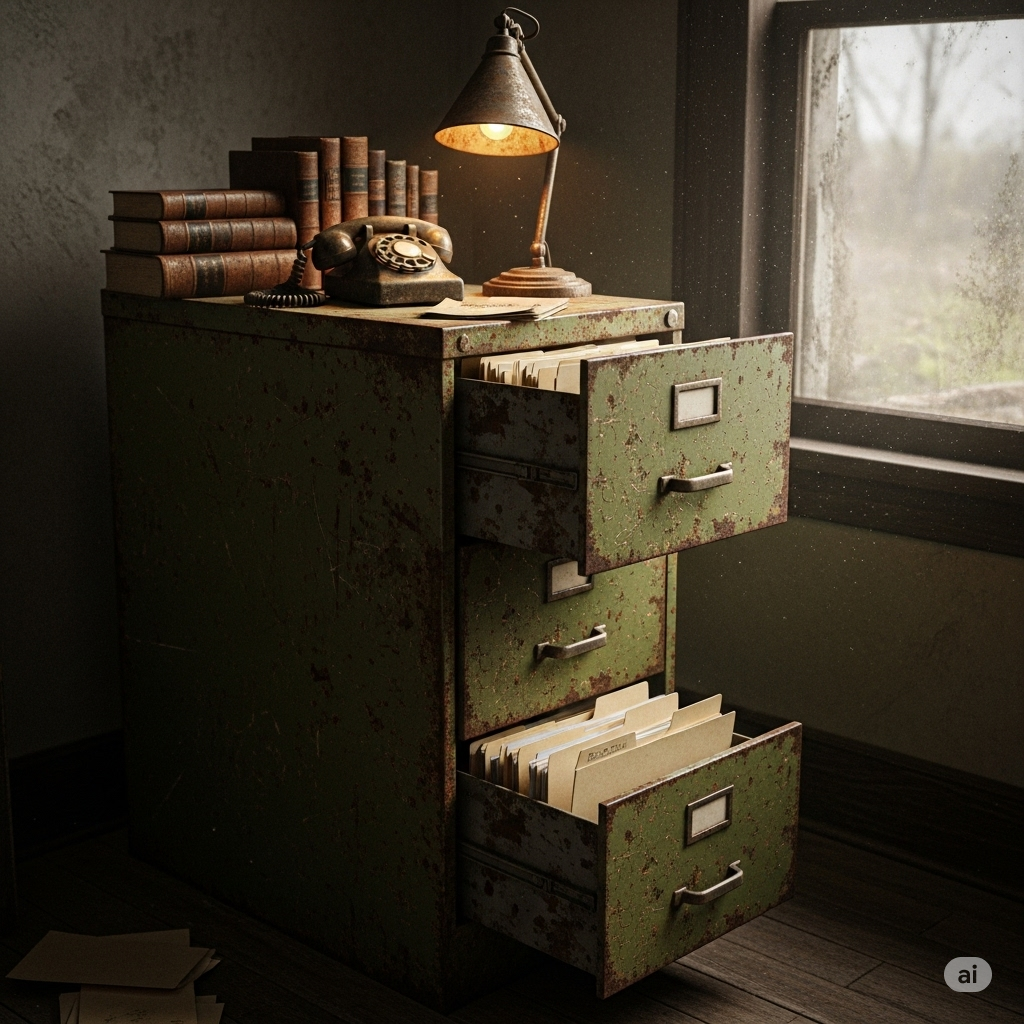
Today, each of us has a much larger and more mysterious ‘filing cabinet’ than my grandfather’s study. It is the Cloud. Although it is invisible and intangible, it is a vast cabinet that holds everything from our photos and documents to our favorite music and movies. How does this mysterious cabinet contain everything in the world and open its doors whenever we want, anywhere? Let’s unlock the secrets together.
1. The Beginning of Magic: How Did ‘Cloud’ Come to Be?
The name ‘cloud’ might sound like a whimsical story, but its origins stem from very practical concerns. In the 1960s, computers were enormous and incredibly expensive, much like a time when there was only one library in the entire city, and everyone had to go there and wait in line to read a single book.
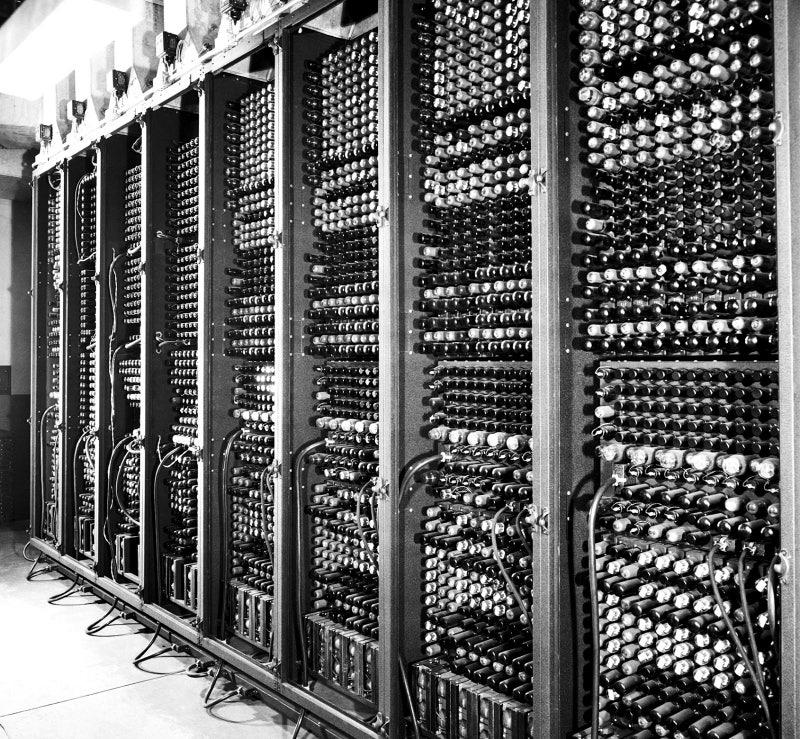
Scientists wondered, “Can we share this expensive and massive computer among multiple users?” This idea led to ’time-sharing,’ which can be considered a distant ancestor of the cloud. It involved connecting multiple desks (terminals) to a single large computer (filing cabinet), allowing each user to access information from the cabinet.
As time passed, in the 1990s, the advent of the internet created a vast network, and this idea exploded in growth. As computers around the world connected, people began to use the cloud shape to represent the intricately intertwined networks. The name ‘Cloud’ originated from this.
Then, in the early 2000s, Amazon, a massive online bookstore, realized that the vast computer resources they built to run their shopping mall were underutilized. “What if we rented out this extra space to others?” This was the beginning of what we now know as Cloud Computing Services (AWS, Amazon Web Services), akin to a large library renting out its surplus storage to other publishers or authors for a fee.
2. The Secret of the Cabinet: The Invisible Magic of ‘Virtualization’
When we upload a photo to the cloud, does that photo file really fly up to the sky? Of course not. Our precious data is safely stored in a massive Data Center, a building somewhere on Earth, inside thousands of computers (servers).

So how can a single computer process and store the data of countless users simultaneously? The secret lies in the magic of Virtualization.
Virtualization is simply the technology that divides a sturdy, large cabinet into several smaller drawers. Physically, it is one cabinet, but it is designed so that each user has their own independent drawer.
- Physical Server (One Large Cabinet): An actual computer located in a data center.
- Hypervisor (Magical Divider): Software that creates multiple virtual spaces within this cabinet.
- Virtual Machine (My Own Small Drawer): An independent computer space created through the hypervisor. Each drawer (virtual machine) operates as if it were a separate computer, unaware of the others.
Thanks to this virtualization technology, cloud service providers can efficiently allocate a single server’s resources to hundreds or thousands of users, allowing us to rent only as many ‘drawers’ as we need at a low cost.

3. Which Drawer to Rent? The Three Types of Cloud Services
The vast filing cabinet that contains the world offers different types of drawers that we can rent according to our needs. They can be broadly categorized into three types, which can be easily understood by comparing them to the process of making a pizza.
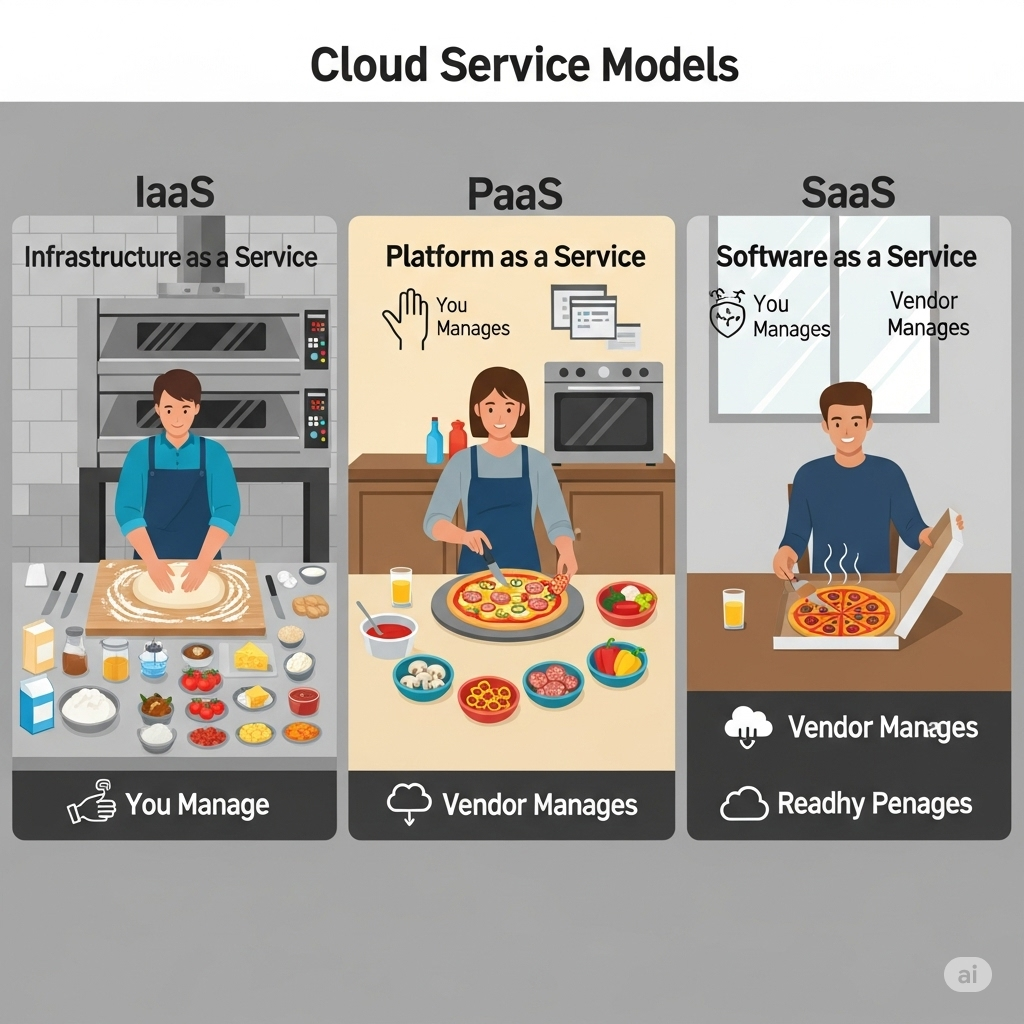
a. IaaS (Infrastructure as a Service): We Rent You the Kitchen Only
- Pizza Analogy: You rent the kitchen (oven, cooking tools, gas) of a pizza shop with only the ingredients like flour, tomatoes, and cheese. What kind of pizza to make and how to bake it is entirely up to you.
- Filing Cabinet Analogy: You rent only the sturdy ‘skeleton of the cabinet (server, storage, network)’ that is empty. What operating system (Windows, Linux) to install and what programs to use is entirely up to the renter.
- Representative Services: Amazon Web Services (AWS), Microsoft Azure, Google Cloud Platform (GCP)
b. PaaS (Platform as a Service): We Rent You the Kitchen and Basic Tools
- Pizza Analogy: You rent a place that provides not only the kitchen but also the dough and tomato sauce needed to make a pizza. You just need to add your desired toppings and bake it.
- Filing Cabinet Analogy: You rent the cabinet skeleton along with the ‘basic operating system and development tools (platform)’ already installed. Developers can focus solely on developing and running their software without the complexities of infrastructure setup.
- Representative Services: Heroku, Google App Engine
c. SaaS (Software as a Service): We Deliver a Complete Pizza to You
- Pizza Analogy: With just a phone call, a freshly baked delicious pizza is delivered right to your doorstep. We don’t need to worry about the pizza-making process; we just enjoy eating it.
- Filing Cabinet Analogy: You use ‘a perfectly organized drawer (software)’ that is already set up. We can access the software anytime, anywhere, as long as we have an internet connection, without any installation or management. This is the most common type of cloud service we encounter in our daily lives.
- Representative Services: Google Workspace (Gmail, Docs), Microsoft 365, Netflix, Dropbox
| Service Model | Filing Cabinet Analogy | Management Responsibility (User) | Representative Examples |
|---|---|---|---|
| IaaS | Empty cabinet skeleton (server, storage) | Operating system, software, data | AWS, Azure |
| PaaS | Cabinet with basic organization (platform) | Software, data | Heroku |
| SaaS | Perfectly organized drawer (software) | Data | Gmail, Netflix |
4. How to Choose Your Own Cabinet: The Three Ownership Models of Cloud
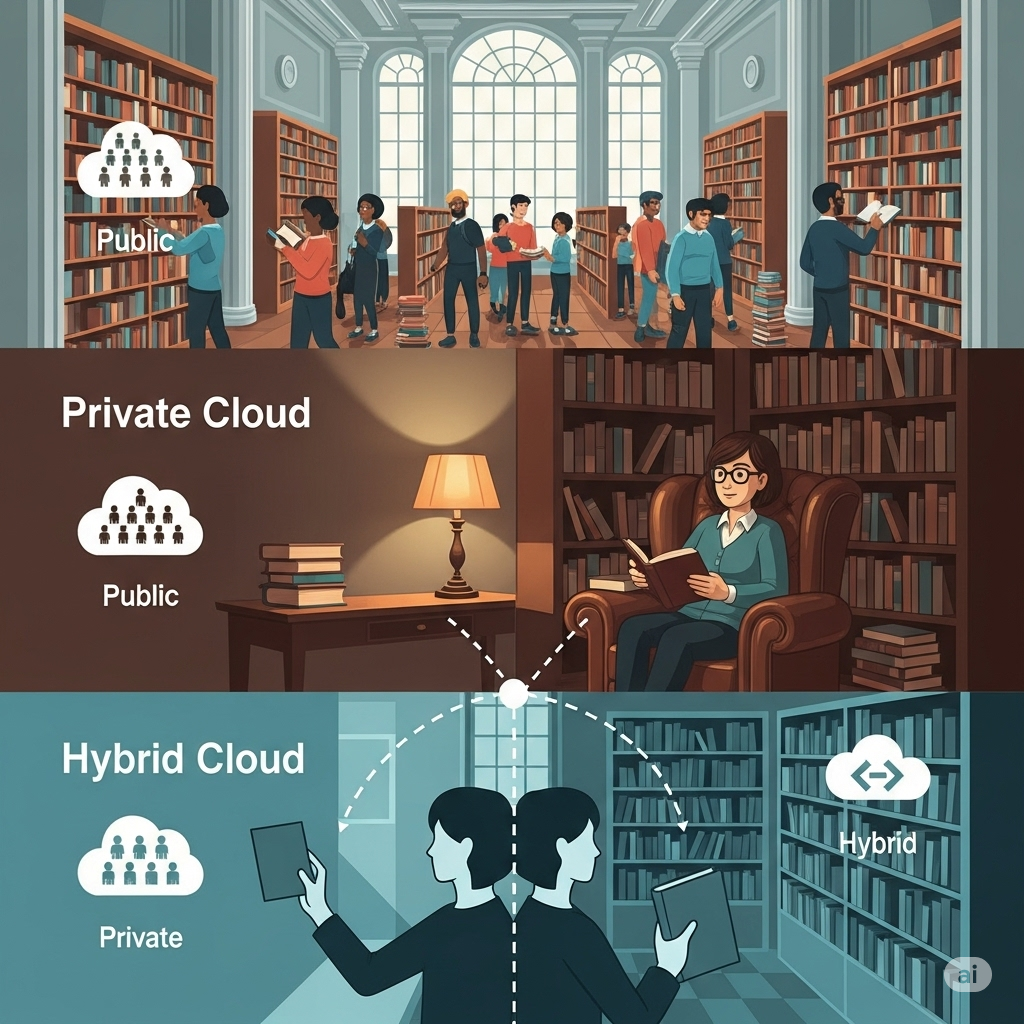
Not everyone uses the same cabinet. Depending on what information to store and who will use it, the type and management of the cabinet must differ. The cloud can also be divided into three main forms.
a. Public Cloud: A Public Library Open to Everyone
This is the most common form of renting resources from data centers managed by specialized companies like AWS, Azure, and GCP over the internet. It is like a large public library operated by the city. You can access vast resources at a low cost, but you must share the shelves (servers) with others.
- Advantages: Low cost, high scalability, no maintenance required
- Disadvantages: Potential concerns about security and compliance
b. Private Cloud: Our Home Library
This form involves building a dedicated cloud environment for a company or organization. It is like having a personal library at home, an independent cabinet that only I (or my company) can use. It is separated from the outside, providing excellent security, but it requires significant investment and effort to build and manage.
- Advantages: Strong security, complete control
- Disadvantages: High setup and maintenance costs
c. Hybrid Cloud: Using Both the Library and the Home Library
This method connects and uses both public and private clouds together. Just like storing very important confidential documents in our home library (private cloud) while keeping less critical materials in the public library (public cloud), it is a smart way to take advantage of both methods.
- Advantages: Flexibility, cost efficiency, enhanced security
- Disadvantages: Increased complexity in setup and management
Epilogue: Our Stories in the Clouds
If my grandfather’s old filing cabinet held the history of our family, today’s cloud, this vast cabinet, captures humanity’s present and future in real-time. Every message exchanged with friends, every photo taken on a trip, and the vast data analyzed by artificial intelligence are all stacked neatly in this invisible cabinet, creating new value.
The cloud is no longer a term exclusive to tech experts. It enriches our daily lives, puts the world’s knowledge in our hands, and turns seemingly impossible ideas into reality, making it the greatest ‘filing cabinet’ and ‘story box’ of our time. Now, what new stories will you store in your cabinet?